Let us help you build an amazing website
Ready to build your WordPress site?
You’re at the right place.
As you may already know, one of the most flexible, powerful, and smart ways to publish content online is by using WordPress software.
customers trust StudioPress themes for WordPress to bring their content to the world.
Ready to get started? Check out our themes.
So, what exactly do we do?
We build WordPress themes
powered by our Genesis Framework
Rock-solid
security
Blazing fast
performance
Out-of-the-box
SEO
Beautiful, mobile-responsive designs
Ultra-flexible foundational code
It’s probably easiest to think of:

WordPress as the
engine of your car

Genesis as the
frame and body

StudioPress themes
as the paint job
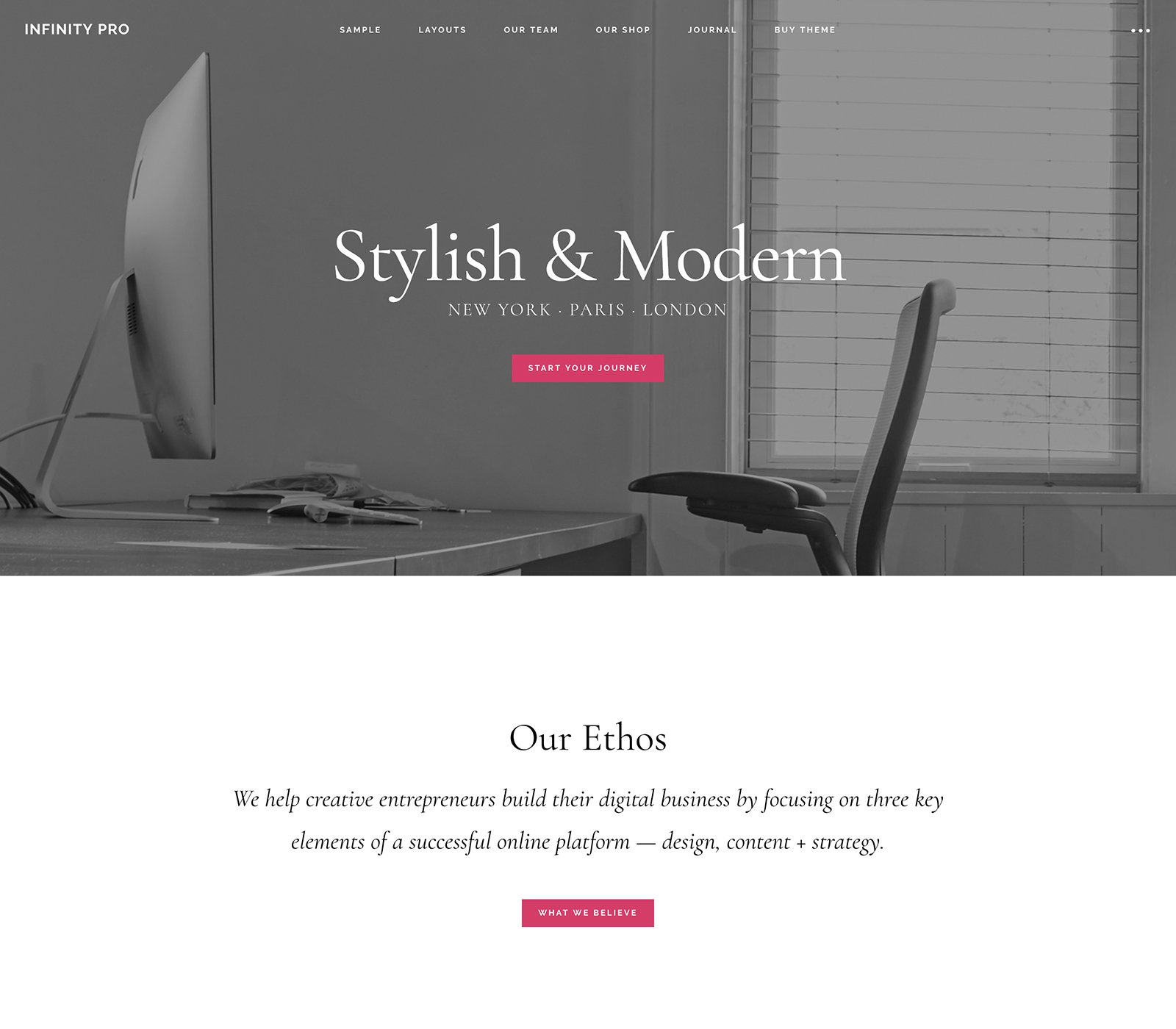
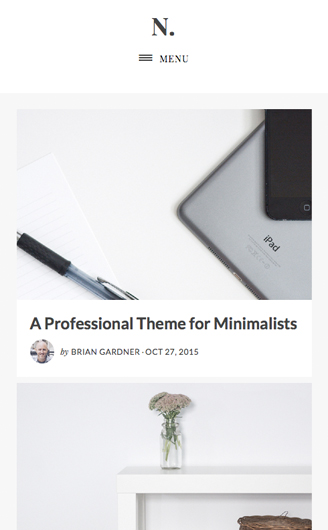
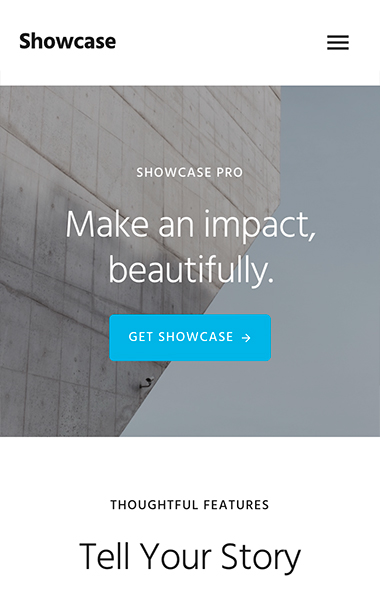
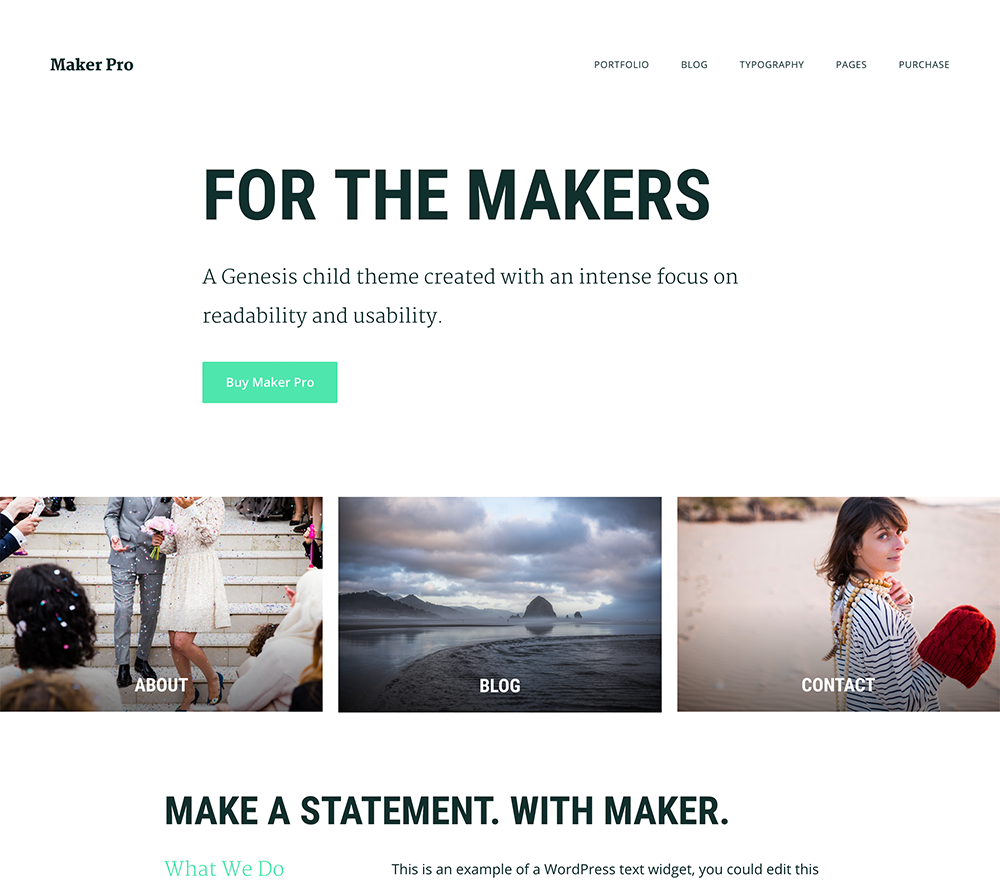
There’s a StudioPress theme that’s perfect for your site.
Browse our theme catalog, which includes filters to help you find the themes that fit your specific needs.
Of course, if you’d like to grab some information about how all this works up front – so you can be sure about what you’re looking at later – just keep reading …
Frequently Asked Questions
We’ve answered the 5 most common questions we get from future customers just like you …
-
What’s a WordPress framework? And while we’re at it, what’s a child theme?
A framework (ours is called Genesis) is a powerful type of WordPress theme — the frame and body of the car — that acts as a design, security, and SEO foundation for your website. It also “future-proofs” your site customizations, so there’s no hassle when it comes time to upgrade your software with one click.
A child theme is the pure design element that rests on top of the framework — the cherry red paint job on that car. Or blue. Or black. Pink. Green. You get the idea …
-
What kind of help will I get after I buy a Genesis and/or a child theme package?
We have expert help waiting for you in our world-class support forum. We also have a dedicated support staff available to answer any questions you may have.
Of course, for specific design or functionality customizations you might want, you’ll need to hire a designer or developer, and we have a few we recommend.
-
What do I need to know to use your themes?
Like any website, you’ll need to own your own domain and have WordPress installed on a web host of your choice. If you’d like a host that completely manages your WordPress and Genesis installation for you, we can help with that.
-
Exactly what do I get when I buy a Genesis and/or a child theme package?
You get your own account at my.studiopress.com, which houses all of the themes you have access to. You can log in to your account at any time and download your theme(s) on demand. You also get access to all of our tutorials, and you can receive one-on-one customer support by filing a ticket with our renowned Support team. (Here is a breakdown of the support you will, and will not, receive with StudioPress.)
-
How do I find a child theme that’ll work for me?
With a variety of themes to choose from, we’re sure to have one that’s just right for your website. All of our themes have built-in color and layout options available, so you’ll want to keep that in mind as you’re scanning through the preview images. When looking for a theme that will require the fewest customizations, we suggest visiting the demos for each theme that interests you and choosing the one that most closely resembles your ideal site.
If you’d prefer to cut straight to the perfect theme for you, a few clicks on our theme chooser can help you pick the right one in a matter of minutes.
Still have questions? Or perhaps you’re just the type who likes to dig deeper? (We understand!)
Please check out the StudioPress FAQs for more information.